
SEO professionals can now use various AI tools to analyse competitor activity, understand search trends, and develop better content strategies.
Combining Semrush with Claude AI makes this process easier.
Using Semrush allows us to gather data for SEO. By combining Semrush with Claude AI, we can interpret this data effectively. By using Semrush MCP in conjunction with Claude AI, we can pull data directly from Semrush in Claude.
But how does this connection work, and how can you set it up?
Let’s understand everything step by step.
What is Semrush?
Semrush is a very popular SEO and Digital Marketing tool. It allows users to see how their site is performing.
The software has many benefits to help improve the performance of a site in search engines, understand competitor data and discover new keywords.
Within Semrush you can perform the following functions:
- Keyword Research – Discover the relevant keywords, volumes and difficulties.
- Competitor Research – See what keywords competitors are targeting.
- Link Research – See links and look for link building opportunities.
- Auditing – See technical issues affecting site performance.
- Position Tracking – See the position of keywords.
SEO professionals can make better decisions using real marketing data and improve their overall SEO strategies.
Businesses can also explore modern SEO strategies to improve their online visibility and reach the right audience.
What is Claude AI?
Claude AI (developed by Anthropic) helps users answer questions, understand information, summarize content, and complete writing and research tasks.
As an SEO practitioner, Claude can be very useful for:
- Creating outlines for content.
- Understanding keyword research data.
- Identifying content gaps.
- Understanding competitor data.
- Creating blog ideas.
- Making SEO recommendations.
Without integrating Semrush and Claude, users cannot access Semrush data directly through Claude.
AI-powered agents can also help businesses automate repetitive tasks and improve their daily workflows.
What is Semrush MCP?
Model Context Protocol (MCP) allows AI assistants to interact with external tools/data.
Therefore, within Semrush and AI assistants such as Claude, Semrush MCP will allow the interaction.
Once integrated, users can ask questions in natural language to retrieve data from Semrush. This can therefore save time compared to multiple platform switches.
Instead of manually analysing multiple reports to find keyword data, you can simply ask Claude to pull relevant data in an easy to understand format.
How to Integrate Semrush with Claude AI?
To integrate Semrush and Claude within Claude, go to App & Connector settings. Then connect to the Semrush app.
Follow these steps to get started.
Step 1: Open Claude
Go to the home page.
Check that you have access to connectors.
Step 2: Connectors
Click Customize, and then Connect your Apps.
A range of applications will appear.
Step 3: Find Semrush
Type in Semrush in the search bar.
Click the official Semrush application.
Step 4: Connect Semrush
Click connect.
Semrush will open a page where you can authorize the connection.
If required login into Semrush.
Step 5: Authorise
Check the permissions carefully, and then click Approve.
Once approved, Semrush should appear in your list of connected apps/connectors.
Step 6: Using in Claude
Open a new chat. When asking a question in Claude and needing data from Semrush in the response, type @Semrush in the question.
For example:
“@Semrush Find keyword opportunities for a digital marketing agency website and organize them by search volume and keyword difficulty.”
Claude can pull data from the integrated Semrush tools and make conclusions.
Note: The order of connectors may vary.
What Can You Do After Connecting Semrush with Claude?
Integrating Semrush and Claude allows intelligent analysis of SEO data.
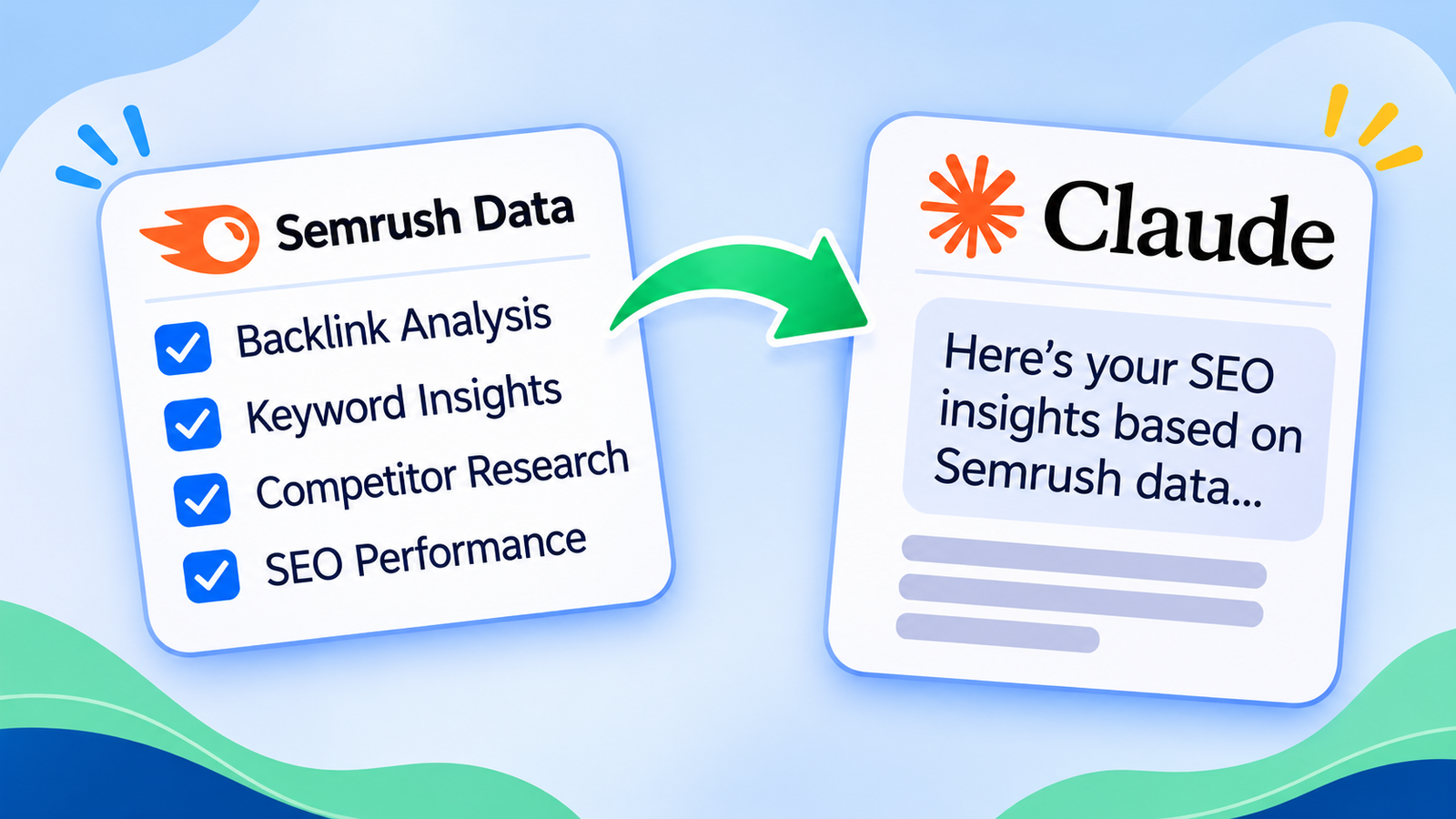
You can perform the following tasks:
1.Better keyword opportunities
It is important to find good keyword opportunities to improve SEO.
With integration, you can request keyword suggestions for your niche, audience and/or website.
For example:
For example, you can use this prompt:
“@Semrush Research long-tail keywords related to AI marketing automation. Include search volume, keyword difficulty, and relevant keyword opportunities for a business website.”
Claude can make this information easy to understand and produce a keyword research report.
2.Understand competitor data
Understanding competitor data can help identify content/keyword gaps.
Within Claude, you can request competitor data from Semrush and get a summary.
Example prompt:
“@Semrush Analyze the organic search performance of [competitor domain]. Identify important keywords and potential content gaps for my website.”
This can give ideas for new blog content, and help improve current content.
3.Link building opportunities
Backlinks are very important for SEO.
This integration allows SEO professionals to analyse competitors’ backlinks using Semrush.
This can highlight link building opportunities.
Example prompt:
Example Question:
“@Semrush Analyze the backlink profile of [competitor domain] and summarize the websites that may offer relevant backlink opportunities for my business.”
As with all backlink requests, be very cautious with which websites you request backlinks from.
4.Improving content on your website
In addition to creating new content, improving current content can also improve SEO.
With this integration, you can ask Claude to pull data from Semrush to see what keyword opportunities are available for content on your website. Suggestions for improvement can be provided.
Example prompt:
Example Query:
“@Semrush Find keyword opportunities for [your website URL]. Suggest relevant topics and improvements that could help strengthen its organic search visibility.”
With Claude, you can create a plan for improving content.
Semrush vs Claude AI: What Is the Difference?
Although Semrush and Claude both support SEO, each tool serves a different purpose.
| Feature | Semrush | Claude AI |
|---|---|---|
| Keyword research | Provides SEO data | Helps analyze keyword data |
| Competitor analysis | Provides competitor metrics | Summarizes findings |
| Backlink analysis | Provides backlink information | Helps interpret results |
| Content writing | Limited writing assistance | Helps create and improve content |
| SEO recommendations | Provides reports and insights | Helps organize recommendations |
| Data analysis | SEO-focused reporting | AI-assisted analysis |
Overall, Semrush provides data to improve SEO, whilst Claude can interpret this data to allow effective SEO practices.
Benefits of Connecting Semrush with Claude
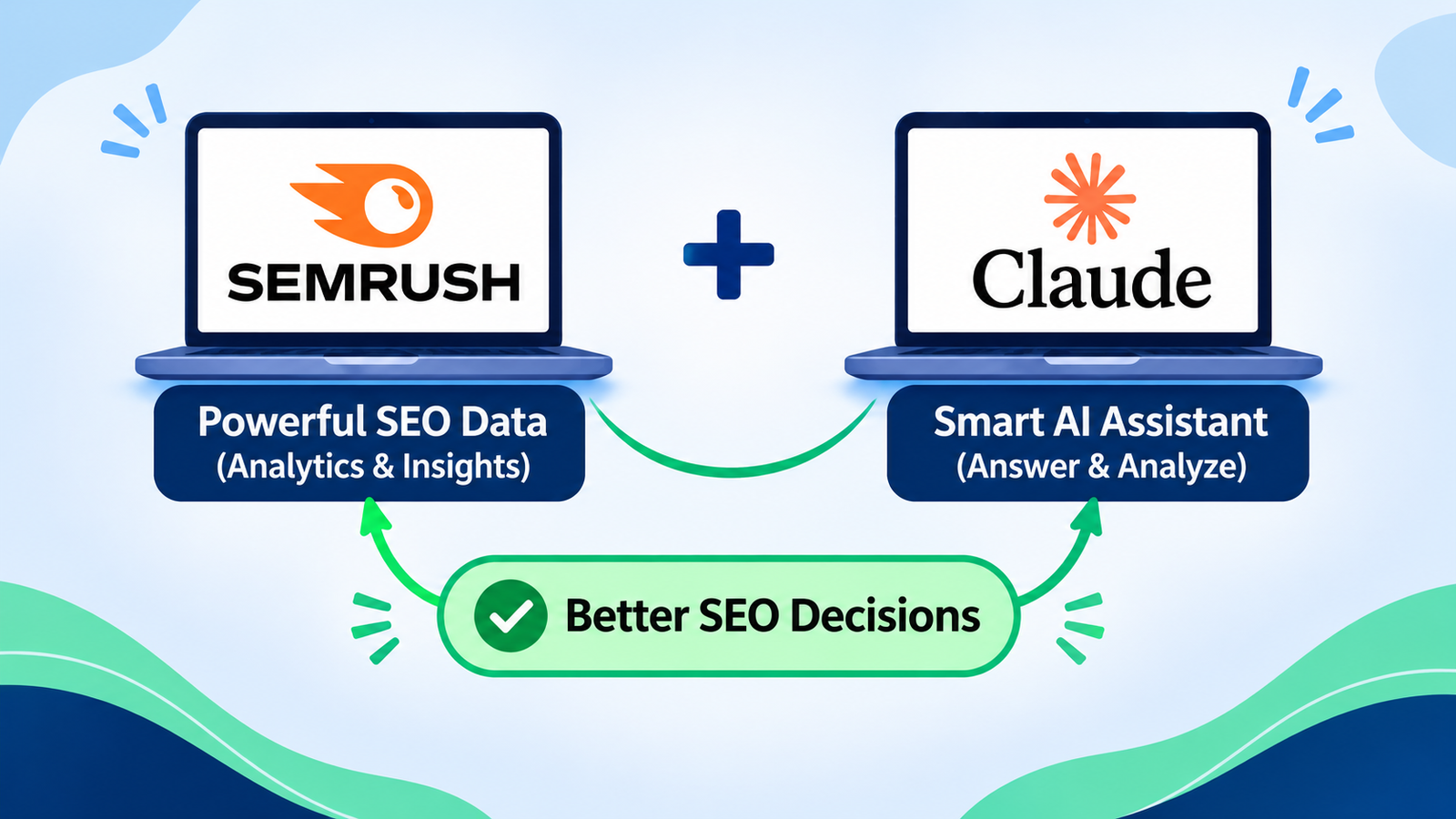
By integrating Semrush and Claude, SEO practitioners can benefit in the following ways:
- Efficient – Quickly and efficiently gather and organise SEO data using natural language prompts.
- Improved Keyword Research – Easily find keyword opportunities.
- Insight into Competitors – Understand competitor data and content gap.
- Efficient Content Planning – Create content ideas based on research.
- Efficient Reporting – Easily understand SEO data.
SEO professionals can save time by using high-quality data and asking Claude clear, relevant questions.
Things to Know Before Connecting Semrush with Claude
Before using this integration, keep a few important points in mind:
1.Semrush subscription: You need an eligible Semrush subscription with API access to use Semrush MCP.
2.API units: MCP requests consume API units from your Semrush subscription.
3.Claude access: You need access to the relevant connector features in Claude.
4.Data availability: The information you can retrieve depends on your Semrush subscription and API permissions.
5.Manual verification: Always review keyword metrics and AI-generated recommendations before making SEO decisions.
According to Semrush there is no additional cost in using the Semrush application in Claude. However, you will have costs for using the Semrush API.
Conclusion
By integrating Semrush with Claude, research and planning in SEO can be made very quick. Data can be pulled from Semrush in Claude with simple, clear questions.
Whether you wish to perform keyword research, competitor research, find link building opportunities or improve content, this integration can be very helpful.
However, remember that while AI can be very helpful in supporting decision making, they should not be relied on in place of thorough research and judgement.
Overall, if you would like to make your SEO strategy more efficient then definitely consider trying this integration!
Frequently Asked Questions
Can Semrush and Claude be integrated?
Yes! With the official integration of Semrush MCP, Semrush accounts can be integrated with Claude. This allows users to easily pull SEO data from Semrush with natural language questions.
Is Semrush MCP free?
No. You must have the correct subscription in Semrush with API access. Units will be used in Semrush when requesting data.
Do I need technical knowledge to integrate Semrush and Claude?
No. Semrush and Claude can easily be integrated using the connector function. No coding knowledge required.
Can keyword research be carried out with Semrush and Claude?
Yes! Once integrated, keyword data can be pulled from Semrush. Analysis of results can be found in Claude.
Can competitor analysis be carried out with Semrush MCP?
Yes. Competitor data can be requested from Semrush. Keyword opportunities, organic performance and more can be summarised.
Will integrating Semrush and Claude improve rankings in Google?
No. Even though this integration makes it easier to make informed decisions regarding SEO, rankings will depend on many factors. This includes content quality, technical SEO and level of competition.

One thought on “How to Connect Semrush with Claude AI: A Step-by-Step Guide for SEO Professionals”