
Artificial intelligence has become a regular part of our lives. From writing emails to finding information and creating content, we use AI tools for all kinds of work.
But have you ever thought about having an AI assistant that could actually help you manage tasks instead of simply answering your questions?
That’s the idea behind OpenClaw AI.
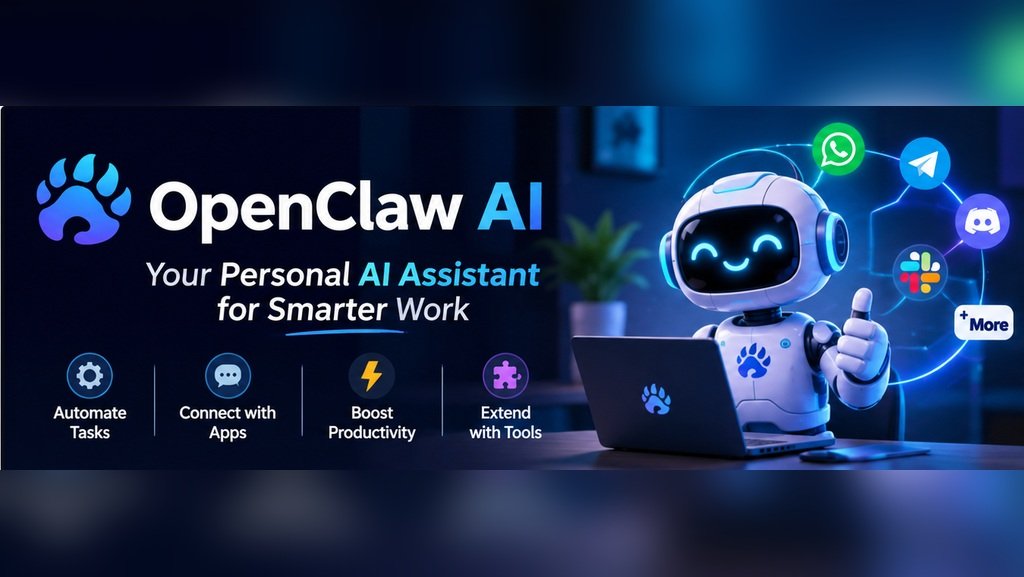
OpenClaw is an open-source AI assistant that has attracted attention because of its ability to connect AI models with messaging apps, tools and different workflows. Instead of switching between multiple applications, users can interact with their assistant through platforms they already use.
It sounds interesting, but what can it actually do? Is it free? And how is it different from tools like ChatGPT?
Let’s explore everything you should know before trying it.
What is OpenClaw AI?
OpenClaw is an open-source AI assistant that you can run on your own computer or server. Unlike a regular chatbot, it connects with different tools and services to help you complete tasks, organise information, and automate daily work. For example, you can use it to give you a summary of any important updates from your numerous messages first thing in the morning.
This can help with:
Researching topics and collecting information.
Preparing email and content drafts.
Organizing files and documents.
Managing reminders and scheduled tasks.
Supporting coding and development work.
Automate certain everyday workflows. One of the best things about this AI assistant is that you can personalise it according to your needs.
How does it work?
Don’t worry, we won’t use any technical terms.
OpenClaw is able to integrate various AI Models with tools and messaging platforms. The key feature of this is the Gateway. Once you have:
1.Chosen an AI model: Choose which AI model/provider you want to use.
2.Installed OpenClaw: Install onto a supported computer/server.
3.Set up Messaging: Set up any messaging platforms (WhatsApp, Telegram, Slack & Discord).
4.Asked it to do something: Ask your assistant to perform a task.
5.Review the result: It will use the various tools and permissions to complete the task.
For example if you’re writing a new blog post and want to research a new topic related to a trending topic in tech, just send a message to your assistant to perform the research and receive the key points.
This means you don’t have to manually research.
Depending on your AI model, tools and permissions you’ll receive different results.
Businesses can also explore how AI is changing marketing workflows in our guide to AI marketing automation.
Key Features of OpenClaw AI.
There are lots of AI assistants out there but what makes this one different?
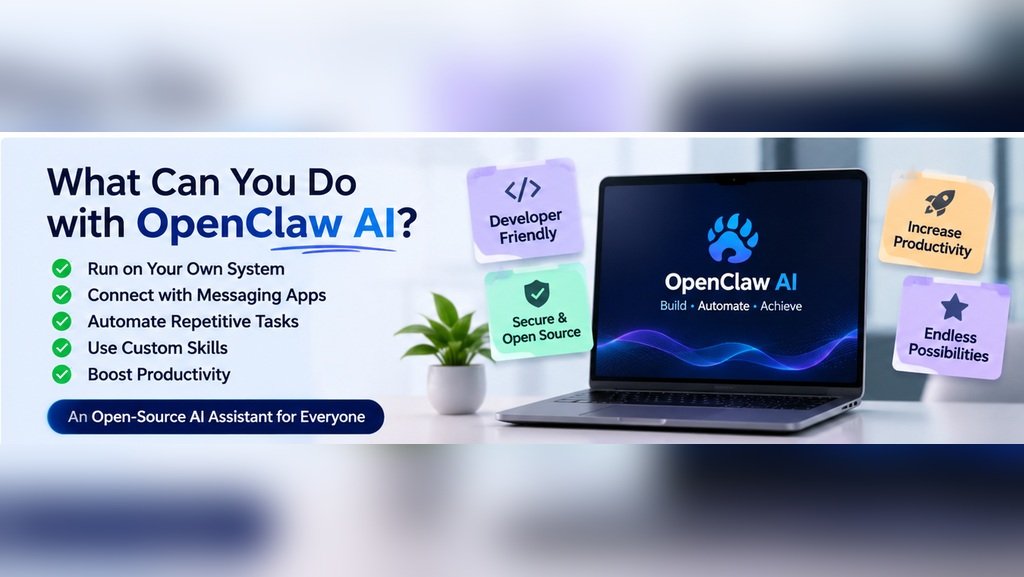
The main reason people are interested in using this tool is because of the flexibility. You are able to have more control over how you set it up and what tools can be used.
Key Features:
1.Self Hosted AI assistant.
One of the great things about this AI assistant is it is self hosted.
This means you can run it on your own computer/server.
You have more control over how it’s set up, integrated and used.
2.Messaging Platforms.
Most of us use messaging platforms throughout the day, this can be used to interact with your AI assistant. This includes:
Telegram
Discord
Slack
Signal
Microsoft teams
This can help to make things easier as you don’t need to use an AI app.
3.Automation.
Many of us perform tasks daily, OpenClaw can help you to automate tasks using tools. This includes:
Create regular updates.
Organise research.
Perform scheduled tasks.
Reminders.
Perform specific file tasks.
Whilst it won’t complete everything it can help you to reduce some of the repetitive tasks.
4.Custom Skills & Integrations.
Everyone will have different needs when it comes to using AI.
Some people may want help with coding whilst others may want to automate regular tasks. OpenClaw includes custom skills & integrations meaning you can add extra features. This is great if you enjoy creating your own workflows.
5.Browser & Files.
If set up correctly with the right tools and permissions, you can use this on browsers & files. This can help you to research information from websites, organise your documents or perform certain tasks. Just be cautious with giving it any sensitive information.
How can I use OpenClaw AI?
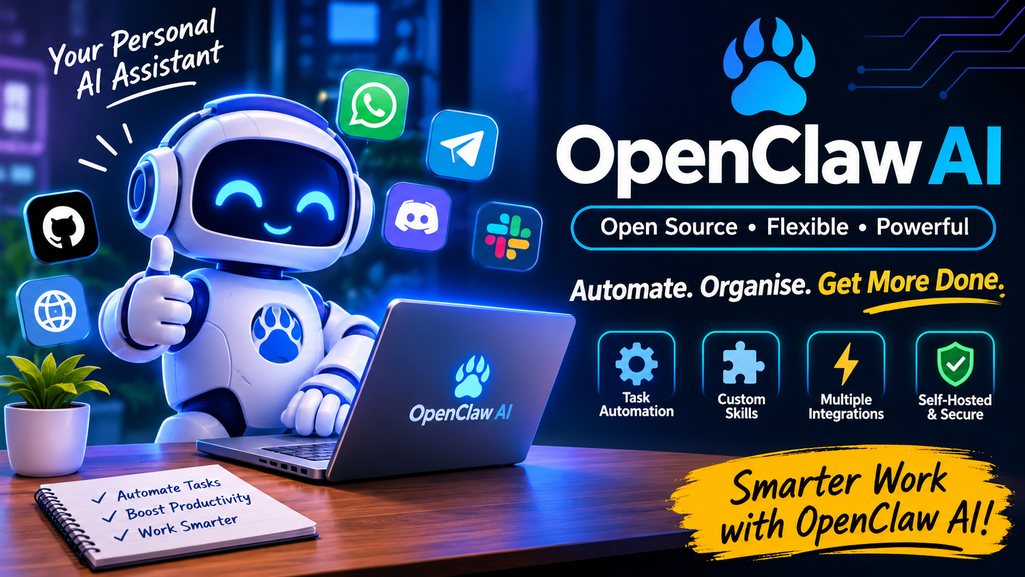
Once you start thinking about just how useful an AI tool can be, you’ll see how useful it can be! Depending on how you set it up it can help you with:
Here are a few examples:
| Work Activity | How OpenClaw Can Help |
| Email Management | Summarize messages and prepare reply drafts |
| Content Creation | Research topics and organize content ideas |
| Daily Planning | Prepare reminders and task summaries |
| Customer Support | Assist with repetitive messaging workflows |
| Coding | Support development activities |
| Business Operations | Help manage routine workflows |
| Personal Productivity | Collect updates and organize information |
For example a digital marketing team may use their set up workflows to research information and create an outline.
They’ll be able to spend more time reviewing ideas, improving their content and planning their marketing strategy.
Automation can help reduce repetitive tasks.
OpenClaw AI vs ChatGPT.
If you use ChatGPT you may be wondering why you would use this tool. They are completely different. ChatGPT is a conversational AI that can help with writing, researching & learning. OpenClaw is focused on integrating AI models with tools, messaging & automation.
Here’s a quick comparison:
| Feature | ChatGPT | OpenClaw AI |
| Main Purpose | Conversational AI assistance | Personal AI assistant and automation |
| Setup | Ready-to-use platform | Requires installation and configuration |
| Self-Hosting | Not generally self-hosted | Supports self-hosting |
| Messaging Apps | Depends on available integrations | Supports multiple messaging channels |
| Customization | Depends on platform features | Custom skills and integrations |
| Automation | Depends on available tools | Supports configured workflows |
Should I use it?
It depends on what you want to use it for. If you want an easy to use AI assistant for writing, learning & general questions then ChatGPT is a great option. If you like messing around with AI agents and want more control over your integrations & automation then OpenClaw may be a great option.
Is OpenClaw AI Free to Use?
Yes! It is open source with an MIT licence. However there may be some costs. Depending on how you set it up you may need to pay for:
AI Model – Some models charge for API requests.
Cloud Hosting – If using a cloud server there may be monthly charges.
Hardware – If using local AI models you may need a good computer.
External Tools – Some may cost.
If you’re using a local AI model that works with OpenClaw then you may not have to pay for any API requests from the cloud. You will need the right hardware and electricity though.
Think about how much you’ll be using it and what you’ll need to set it up.
Is OpenClaw AI Safe to Use?
Probably one of the most important factors to consider before installing. As you can integrate with tools, files & messaging accounts, you need to be careful when allowing permissions. Whilst it is self hosted, it may not be safe.
Consider:
Download from a trusted source.
Don’t share any passwords/API keys.
Only give it access to the tools you need.
Check the permissions before adding any personal accounts.
Keep it updated.
Secure your Gateway.
Double check any important actions. Sometimes AI assistants can get confused so it’s best to double check what they’re doing. If you’re using customer/company information then security should be a priority.
Who should use OpenClaw AI?
If you want to get more out of your AI this can be an interesting tool to try. It may not be the best to start with though. It may be useful for:
Developers – If you like creating apps and messing around with AI agents it provides some flexibility.
Small Business Owners – Help to reduce repetitive tasks using set up workflows.
AI is also helping businesses find potential customers more efficiently. Learn more about AI lead generation.
Digital Marketers – Helps with research, content creation & organisation.
Technical Teams – Teams can mess around with integrating AI models with their tools.
AI Enthusiasts – If you’re interested in personal AI assistants & automation this can be an interesting project.
If you’re new to technical tools it may take some time to set up. Once you know the basics you can mess around with different workflows.
Pros & Cons of OpenClaw AI.
Nothing is perfect! Here’s a quick list of pros and cons.
| Pros | Cons |
| Open-source and customizable | Initial setup can be technical |
| Supports self-hosting | Hosting may involve costs |
| Connects with messaging platforms | Integrations need configuration |
| Helps automate repetitive tasks | Requires proper permissions |
| Supports custom skills | Third-party skills need security checks |
| Offers greater infrastructure control | Needs regular maintenance |
If you enjoy working with technology these pros may be worth considering. If you just want an AI tool for basic questions then a standard chatbot would be easier to start with.
Final Thoughts.
AI assistants are becoming more advanced. They are no longer just answering questions and creating text, many are now being created to integrate with tools to help with daily tasks. OpenClaw AI is an interesting example as it is open source with multiple messaging & automation. It’s definitely worth looking into, especially if you like having more control with your AI tools. Whilst there can be some set up required and security shouldn’t be overlooked it can be an interesting way for developers, businesses and AI enthusiasts to mess around with personal AI assistants. The main thing to consider is not what can the AI tell us but how can it help us.
Frequently Asked Questions
1. What can it do?
Create personal AI assistants that can be integrated with messaging platforms, tools & automation.
2. Is it free?
Yes it is open source however there may be some costs involved with AI models, hosting & external tools.
3. Can it be used on WhatsApp?
Yes it can be used on WhatsApp.
4. Is it better than ChatGPT?
They are very different. ChatGPT is for conversational support whilst OpenClaw is for integrating AI models with tools.
5. Do I need coding knowledge?
You may not need advanced coding knowledge, however some technical knowledge can help with setting it up.
6. Can it help with business automation?
Yes it can help with research, summarising, reminders & repetitive tasks. It depends on your integrations & permissions.
7. Does it work on windows?
Yes it can be installed onto windows using PowerShell. You can also look into using it using the WSL2 setup.